6 Reasons Your WhatsApp Link Preview Is Blank or Wrong on Shopify (and the Fix for Each)
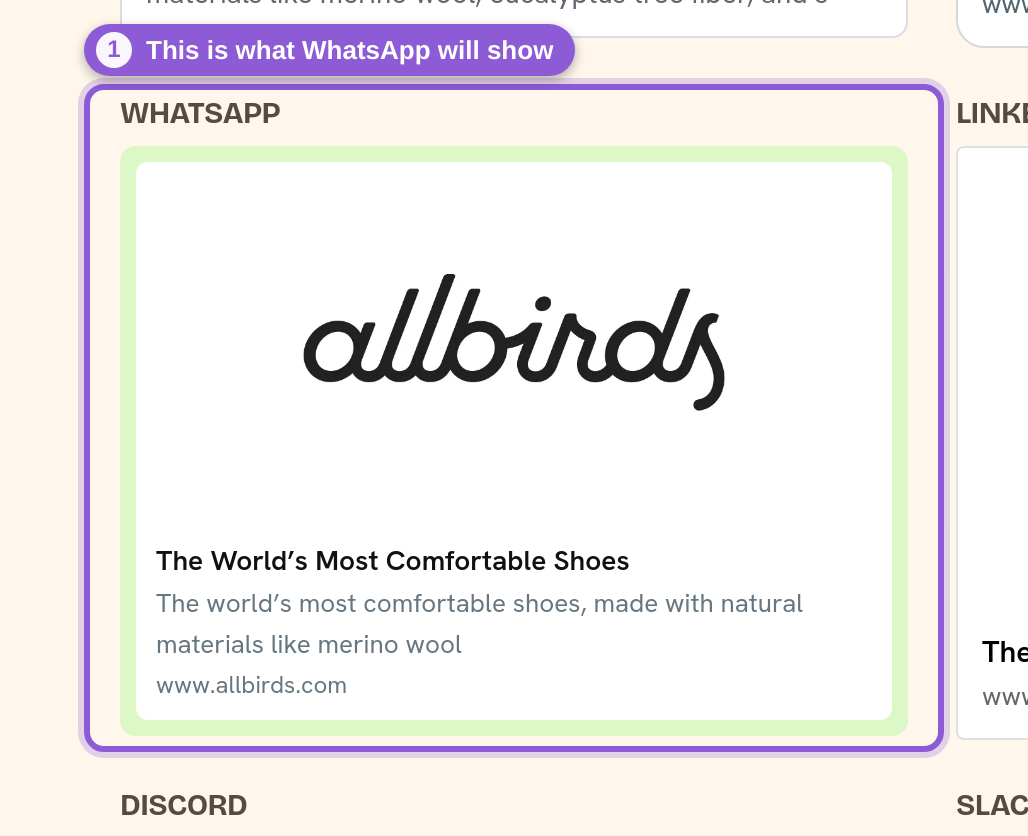
When you paste a Shopify link into WhatsApp, the little card that appears — image, title and description — is pulled from your page's Open Graph tags, especially the og:image. If your WhatsApp link preview is not showing, comes up blank, or shows the wrong picture, it is almost always one of the six reasons below. Each one says how to recognise it and how to fix it. The quickest way to tell them apart is the free Share Preview Checker (under Tools on our site): paste the URL and it shows the card WhatsApp will build from the page's live tags, and flags what is missing.
Don't have Yuhu yet? Install it from the Shopify App Store →
1 The page has no valid og:image
WhatsApp doesn't invent a preview — it fetches the shared URL and reads its Open Graph tags. The og:image decides the picture, while og:title and og:description fill in the text. If a page has no dedicated share image, or the image URL isn't reachable when WhatsApp tries to fetch it, WhatsApp falls back to whatever it can find, which is often a raw product photo or nothing at all. The Share Preview Checker flags problems such as a missing og:image or a missing title. The fix is to serve a purpose-built og:image per page, which is what Social Media Share Image (Yuhu) generates automatically for your products, collections and blog articles. See Test your Shopify link preview with the free checker.
2 The app is installed, but its theme app embed is not enabled
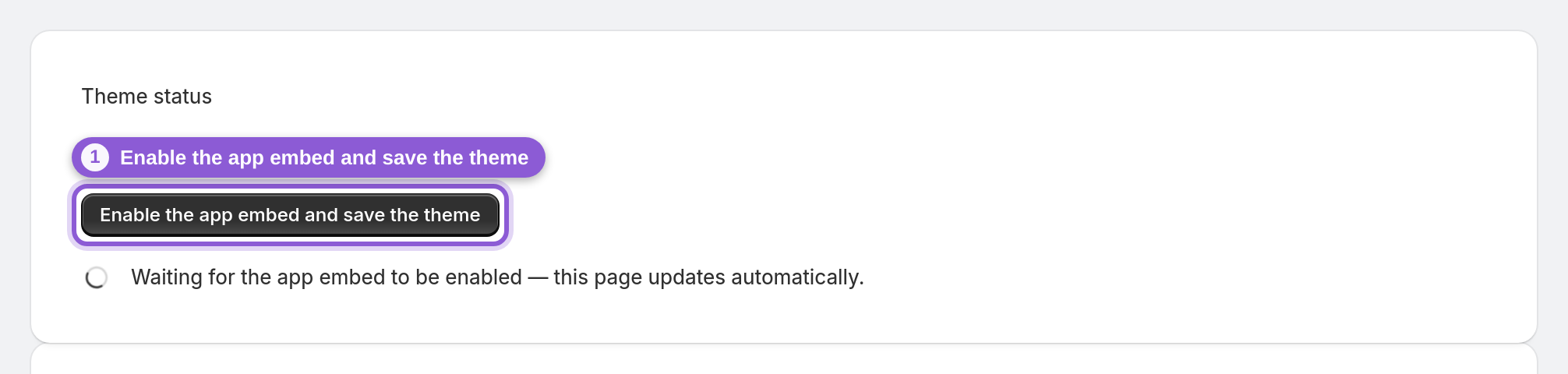
With the app installed, this is the most common reason. The app serves its og:image through a theme app embed, and until you switch that embed on and press Save in the theme editor, the tags never reach your live storefront — so WhatsApp still sees the old page. Open Theme status in the app and click Enable the app embed and save the theme; the page updates itself to Your theme is ready to go! once Shopify reports the embed as enabled. The app also edits your theme's layout/theme.liquid to hide the theme's own copies of the share tags, so the new image is the one WhatsApp actually picks up. You can undo that edit with Remove theme changes on Theme status. See Shopify social share image not showing? Enable the app embed.
3 You switched to a new theme
A theme app embed is stored per theme, so a brand-new theme starts with it off. If previews worked and went blank or plain after a theme change, open Theme status again and enable the embed on the new theme. The app embed guide covers it.
4 WhatsApp is showing a cached preview
WhatsApp caches previews per URL, so a link that was shared before may keep showing the old image for a while, even after everything is fixed. The new image appears once WhatsApp refreshes its cache — try a link that hasn't been shared yet to see the current state immediately. The Share Preview Checker always reads the current tags on the page, so it shows you the real state right away. This is WhatsApp's own cache, not a bug in your store.
5 The page has no photo of its own, or pages are not switched on
With Automation on, new products and collections get a share image as soon as Shopify reports them, and blog articles are picked up by an hourly sync; store pages are included once you turn on Change social share images for pages? in Settings. For content with no images at all, the Brand kit in Settings has a Fallback image URL for pages and articles that have no images of their own. See Design branded social share images.
6 The image shows, but it is a bare product photo
A preview that works can still look wrong — a plain white-background shot with no brand on it. In Settings, make the preview yours: add your logo (position, size, opacity) and overlay live text using tokens like {title}, {price} and {discount} — plus an optional corner badge for sales. For products, a collage layout can combine up to 4 product photos into one preview image, and one-click style presets (Clean minimal, Title & price, On sale, and more) get you a designed look without touching individual settings. New products get their share image automatically. After you change a product's photos, price or title, or your design settings, use Regenerate (or bulk regenerate on the dashboard) to refresh existing images. See the design guide.
Frequently asked questions
Why is my WhatsApp link preview blank on Shopify?
A blank preview usually means the shared page has no valid og:image, or the image URL isn't reachable when WhatsApp tries to fetch it. Making sure each page serves a proper Open Graph image fixes this — the app generates and serves that og:image automatically once its theme app embed is enabled.
How do I change the image that shows when I share a Shopify link on WhatsApp?
WhatsApp uses your page's og:image. With the app installed, you brand the generated image (logo, colors, text overlay with price and discount tokens, collage layouts) and that image becomes the preview WhatsApp displays.
Why does WhatsApp still show the old preview after I updated it?
WhatsApp caches previews per URL, so a link you already shared may keep showing the old card for a while. Share a fresh link to see the current image, and the cached one updates when WhatsApp re-fetches the page. If you changed the product or your design, regenerate its share image in the app first (Regenerate or bulk regenerate), since existing images are not re-rendered automatically.
Does this only work for WhatsApp?
No. The same Open Graph image works across every app that reads og:image — including Facebook, X/Twitter, LinkedIn, Discord, Slack, iMessage, Telegram and Reddit — and an optional Pinterest setting also generates a tall 1000×1500 pin image, stored in a product/collection metafield (the app doesn't add it to your storefront as a pin tag or Save button).
Is this the same as a social share button?
No. Share-button apps add buttons for visitors to click. This app generates the preview image itself — the picture that appears in the WhatsApp card when a link is shared.